All free templates

Airport and transit signage templates

Three free layouts for airports, stations and transit stops: a four-zone landscape departures board, a three-zone portrait wayfinding screen and a single-zone service announcement slide.

Free downloads. No signup, no email needed.

The three templates

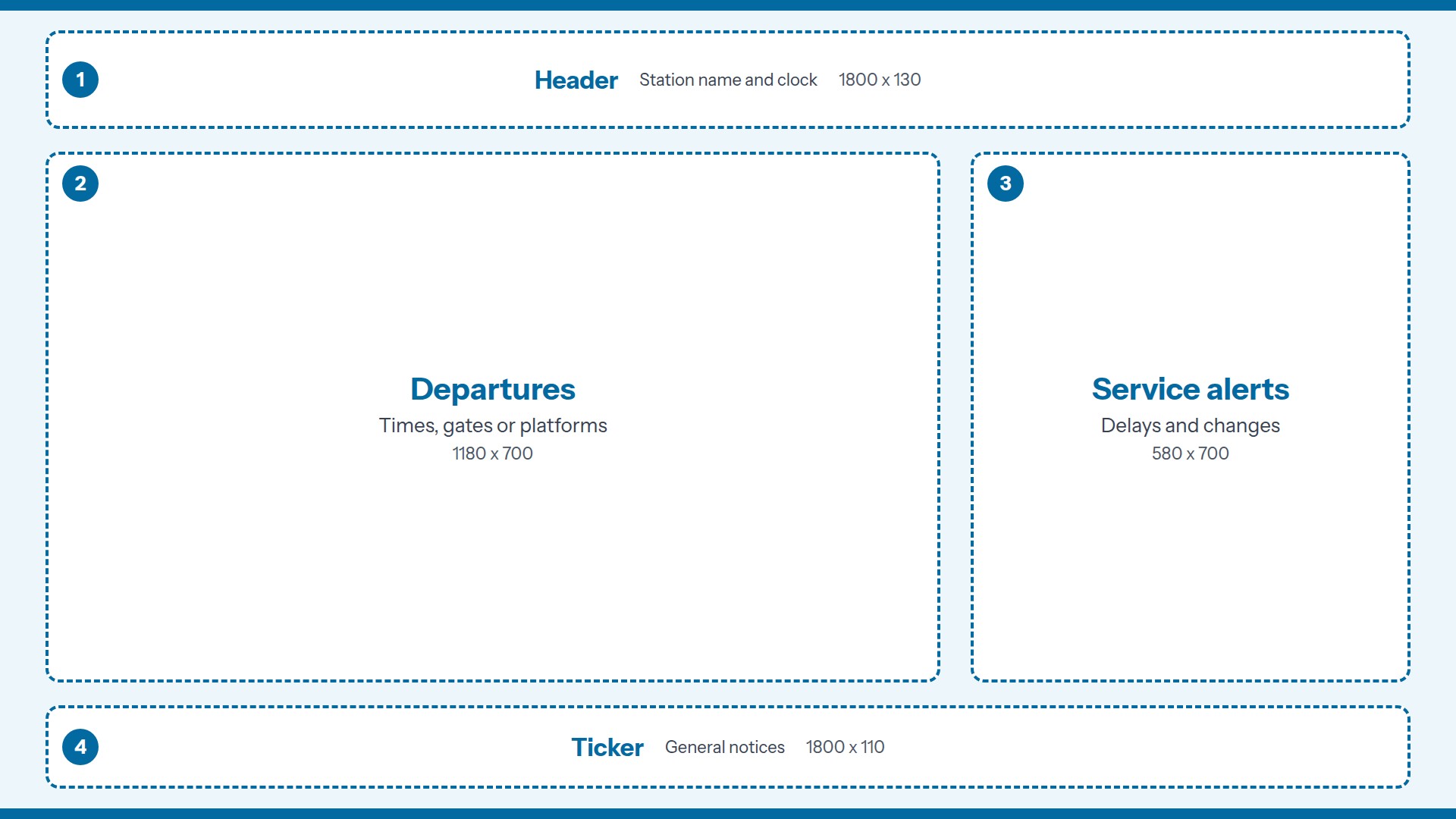
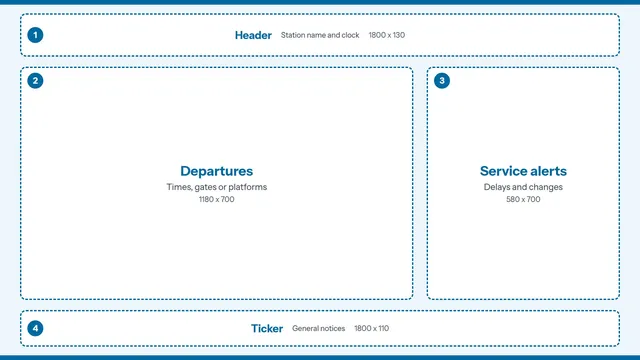
Departures Board landscape signage template guide, 4 numbered zones

Departures Board

Landscape / 1920 x 1080 / 4 zones

A board for a gate area, station concourse or transit stop.

  1. 1. Header. Station name and clock.
  2. 2. Departures. Times, gates or platforms.
  3. 3. Service alerts. Delays and changes.
  4. 4. Ticker. General notices.
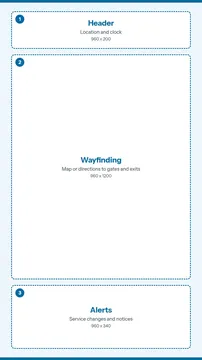
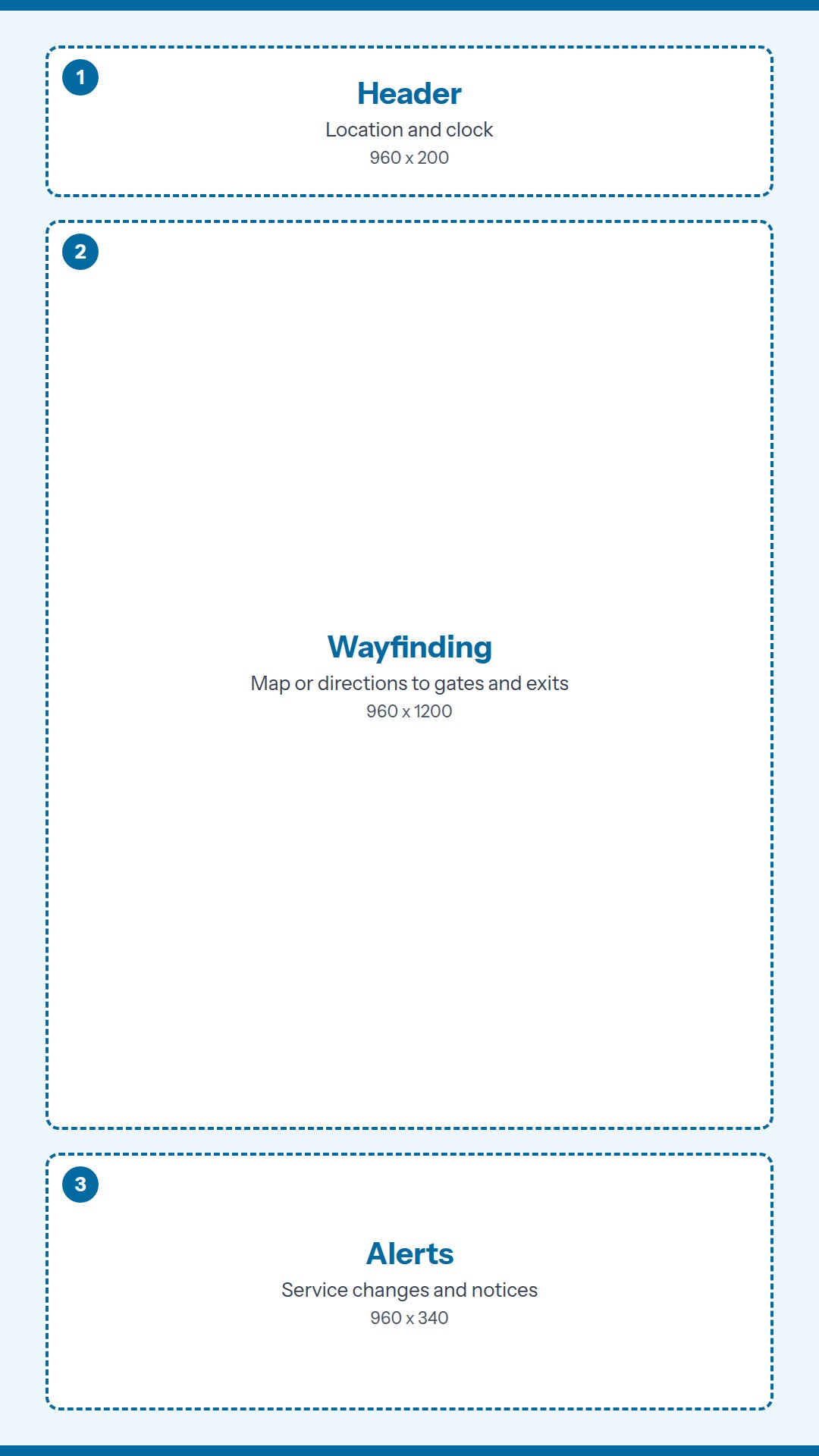
Wayfinding Screen portrait signage template guide, 3 numbered zones

Wayfinding Screen

Portrait / 1080 x 1920 / 3 zones

A tall screen at an entrance or a junction in the terminal.

  1. 1. Header. Location and clock.
  2. 2. Wayfinding. Map or directions to gates and exits.
  3. 3. Alerts. Service changes and notices.
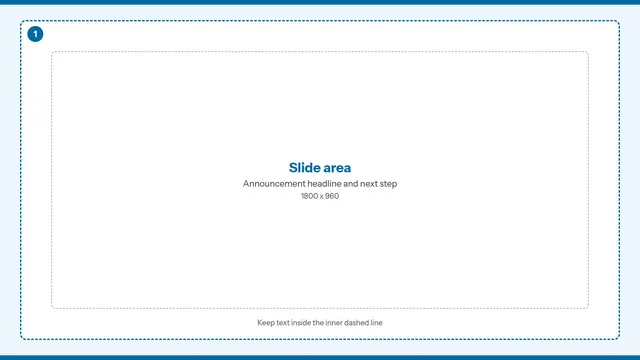
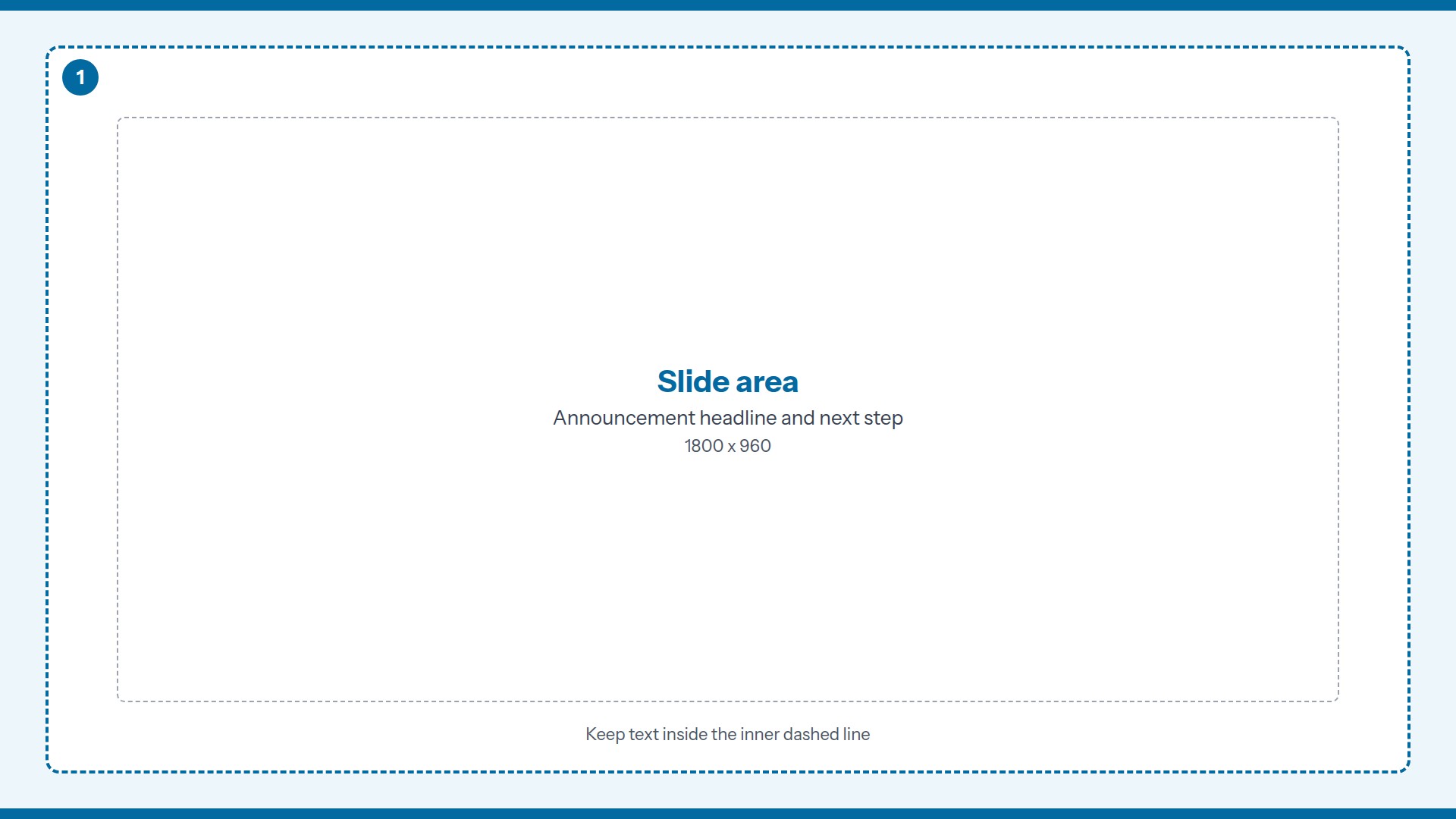
Service Announcement Slide landscape signage template guide, one full-screen zone

Service Announcement Slide

Landscape / 1920 x 1080 / Single zone

One finished slide for a service change or a safety message.

  1. 1. Slide area. Announcement headline and next step.

How to use the two files

The layout guide shows the numbered zones and their pixel sizes, so you can match them in your own signage software. The clean background has the same panels with no text, so it is the one to use behind your content. For a single-zone slide, design on the clean background in any image editor and export a JPEG or PNG at the full screen size (1920 x 1080 or 1080 x 1920).

Tips for airport and transit screens

Viewing distance.
Typically, travelers read these screens from 15 to 50 feet and often while moving. Use very large type, high contrast and only the information someone needs to act on.
What goes where.
Give the board zone the times, gates or platforms. Keep alerts in their own zone so a delay never gets buried in a table.
Color and contrast.
Do not use color as the only signal, since many travelers have color vision differences. Pair a color with a word or an icon.
Languages.
If you serve international travelers, plan the second language in the layout from the start. Short labels fit two languages far better than long sentences.

Ready to put a template on a screen?

In Adaptive, multi-zone layouts are part of the Enterprise plan. The downloads themselves work in any signage software. Fill a layout in and save it as one image, and it plays full screen on Adaptive Solo or any cloud plan.

Adaptive Solo

$29.99 one time

Full-screen JPEG and PNG on one Windows or Ubuntu PC. Plays from your Google Drive or pCloud folder. No cloud account and no monthly fee. Free 7-day trial.

Try Adaptive Solo

Starter

$4.99 per player / month

Cloud signage that runs in a browser on a PC you already own. Scheduling and playlists included. 14-day free trial, no credit card.

Try or order Starter

Would you rather not run the players, the software and the content yourself? We also do all of it as one managed service. See how the managed service works. Need true multi-zone screens? Ask about Enterprise.