Client downloads
Pick the player for the device behind your screen. You manage every player from the same cloud dashboard, in a browser or on your phone.
Start a free trial14 days. No credit card. You need an account to claim a player.
Available now
Windows
Version 1.0.9For Windows 10 and 11, 64-bit. The installer is the easy way; the zip is for managed rollouts.
Linux
Version 1.0.5For 64-bit Linux. Use the .deb package on systems that use .deb packages, or the standalone binary anywhere else.
Android
Version 1.0.7For phones, tablets and Android boxes. Installs from an APK file. Choose arm64 for most devices, x86_64 for emulators and x86 Android boxes.
Install: allow installs from this source, then open the APK.
- arm64 SHA-256
- 4270dc30d687a1b741336bdd270251404ab6cacdee7236e57a515aabcbae7093
- x86_64 SHA-256
- 22790a6664ed6da8d6d430608f60e663e7d85dbf65f901bed6ff245cc4800964
Web browser
Nothing to installAny device with a browser can play. Open the web player and it shows a short code. Enter that code in your account at portal.adaptivedigitalsigns.com and you are running.
Watch the setup, start to finish
A short video with narration: download the client, install it, and enter the claim code. It runs under a minute.
After you download
- Start your trial. You need an account to claim a player.
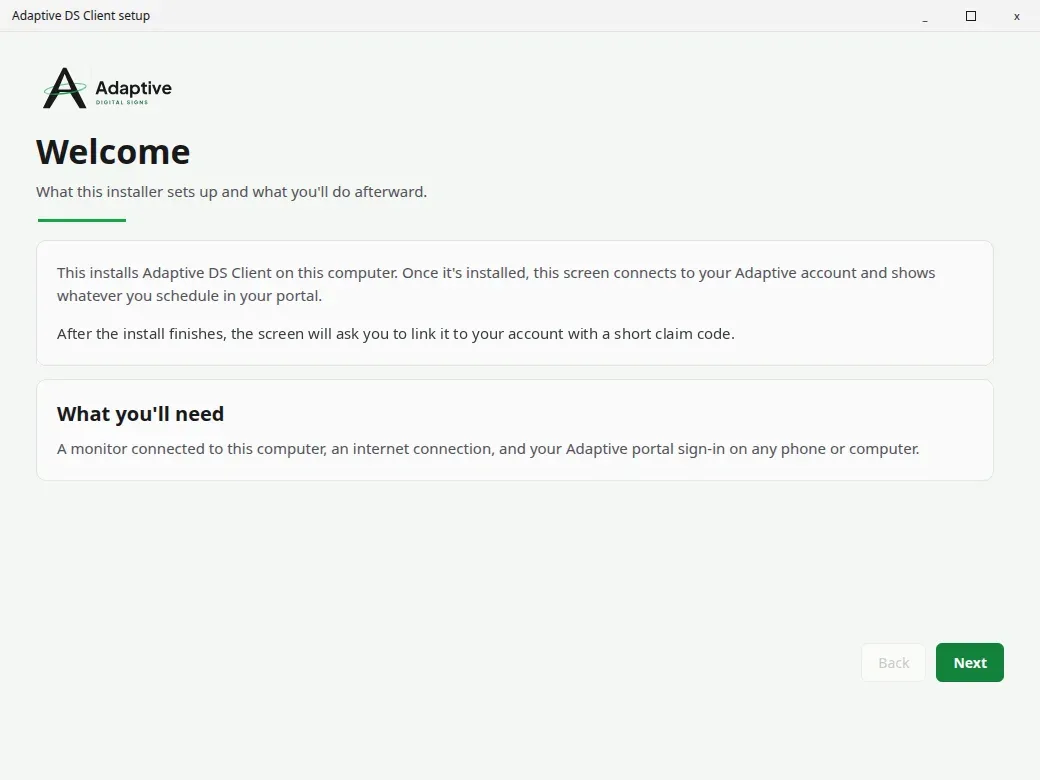
- Install the player. Run the installer on the computer or device plugged into your screen, or open the web player.
- Enter the code. The screen shows a short code. Type it at portal.adaptivedigitalsigns.com to claim the screen.
14 days. No credit card. Questions? Call (888) 382-7685.