Digital Signage for Schools & Campuses
Run announcements, directories, event promotions, and emergency alerts across every screen on campus from one dashboard.
Digital signage for schools and campuses
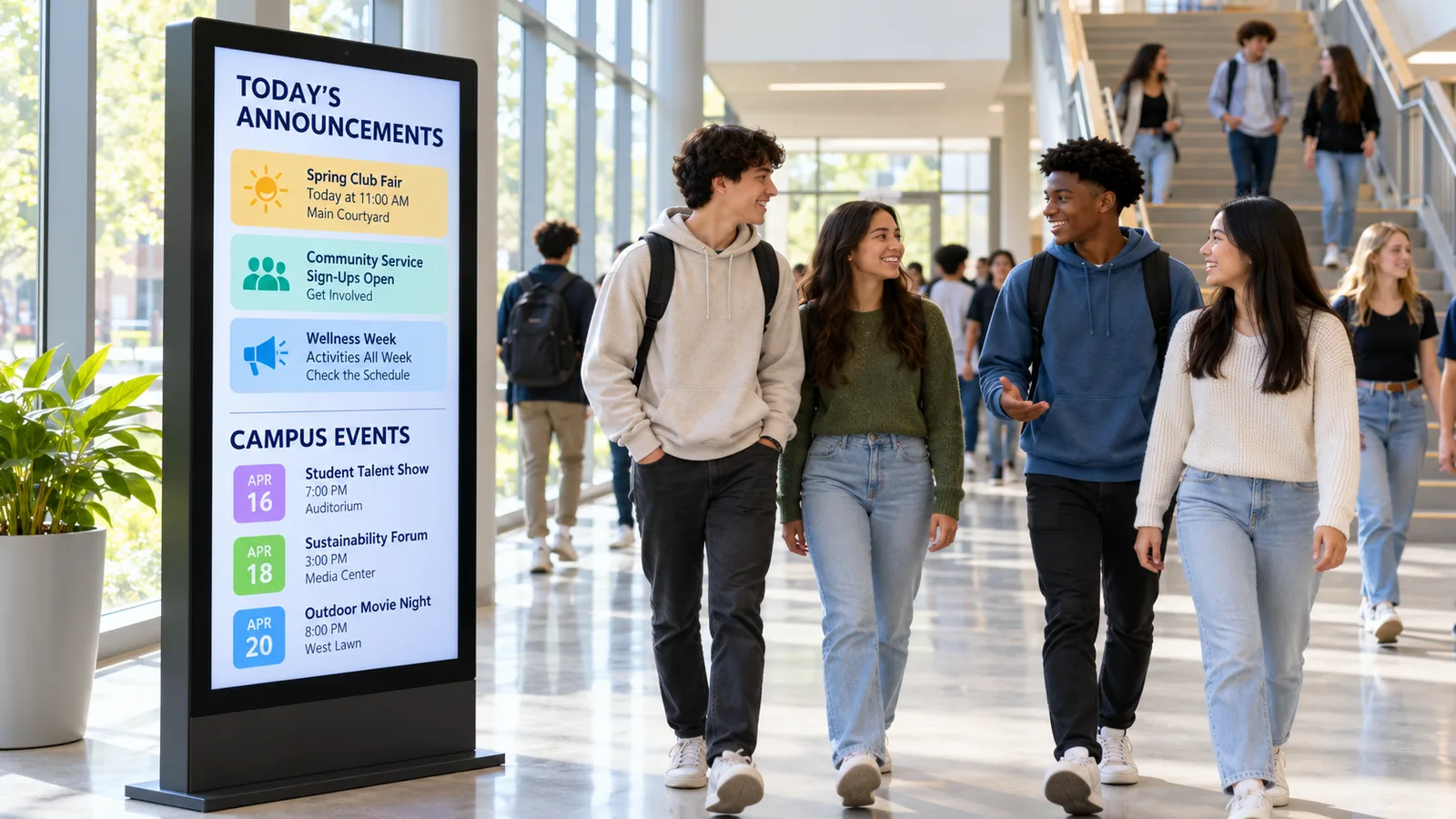
Adaptive Digital Signs gives schools and campuses one place to control every screen. You post announcements, list departments, promote events, and send emergency alerts from a single cloud dashboard. Update one building or all of them without walking a single hallway.
Based in Frisco, TX and serving schools across the US, we run cloud signage on your existing screens. You get content management software, media players, streaming, and video walls, all managed from your browser. Schedule content by time, day, and location so the right message shows in the right place.
What you can do with it
Campus Announcements
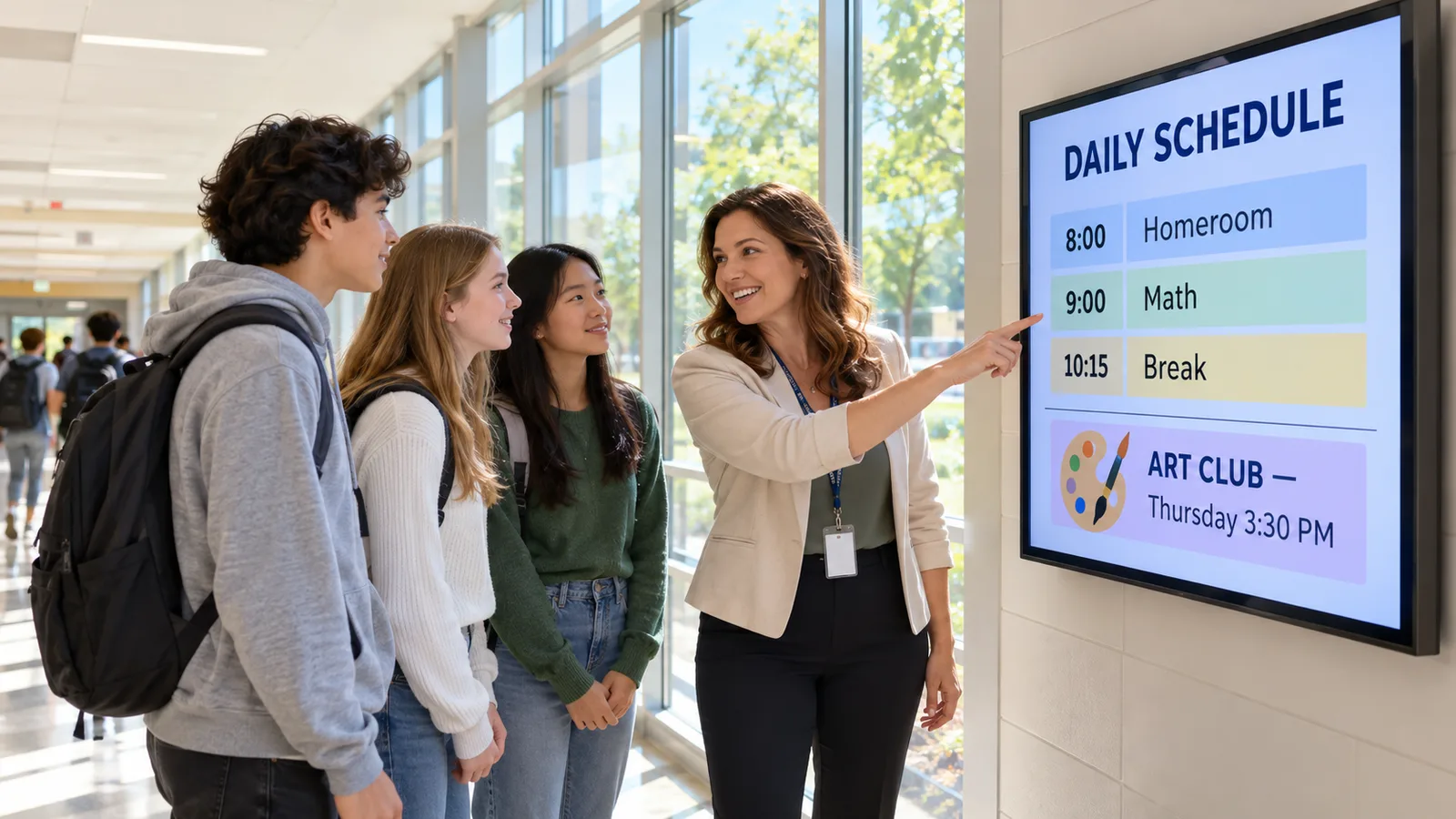
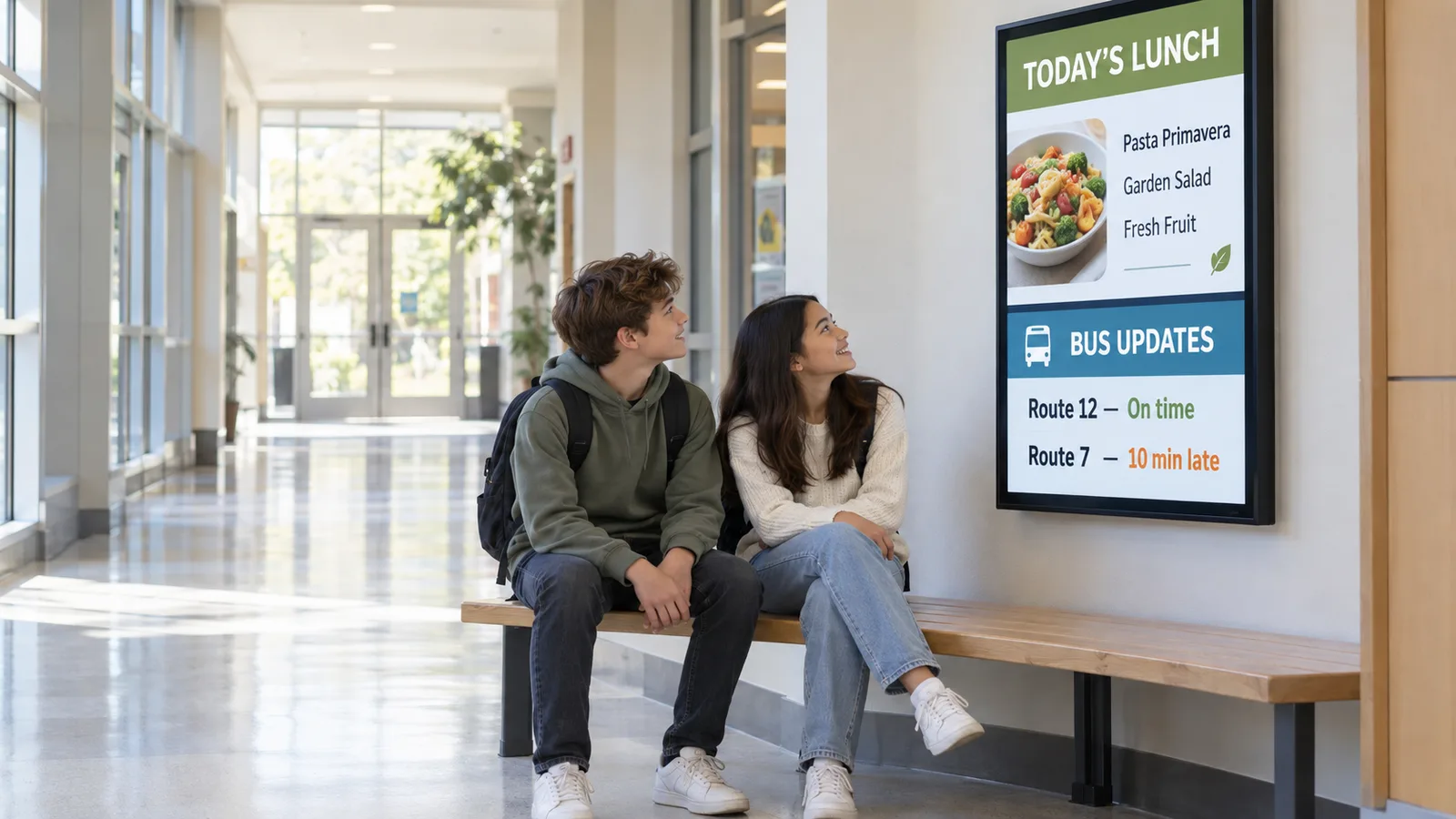
Put daily news, schedules, and reminders on screens where students actually look. You update the dashboard once and every hallway display changes in seconds. Schedule bell schedules, lunch menus, weather closings, and club meetings ahead of time so they appear on the right day. Different buildings can show different content, or share one campus-wide message when it matters.
Digital Directories
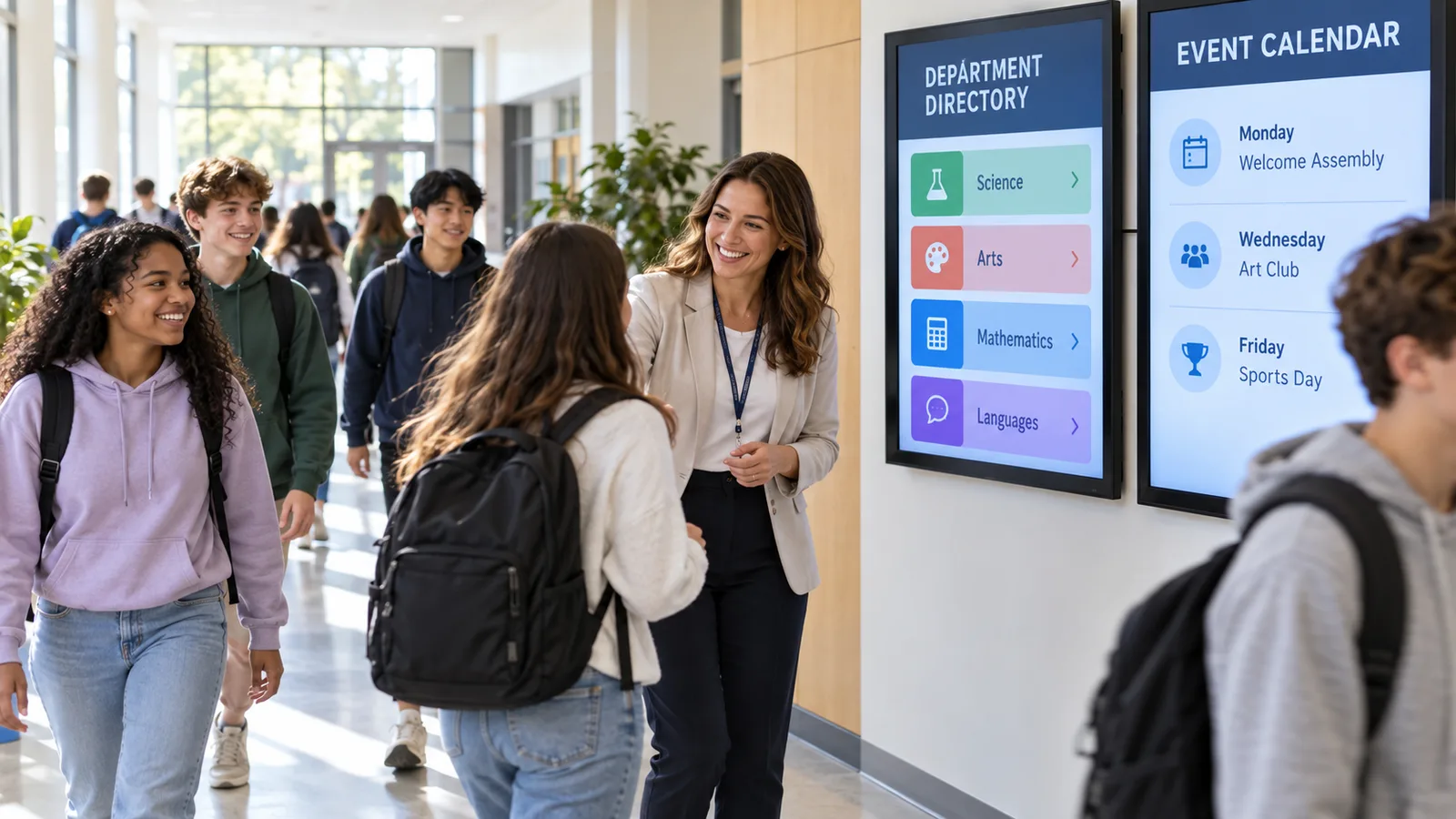
Help visitors, students, and staff find rooms, offices, and departments without asking. A directory screen in the lobby lists floors, wings, and names, and you edit it from your desk. When a department moves or a room number changes, you fix it once and every directory updates. Streaming maps and building layouts keep large campuses easy to navigate.
Event Promotions
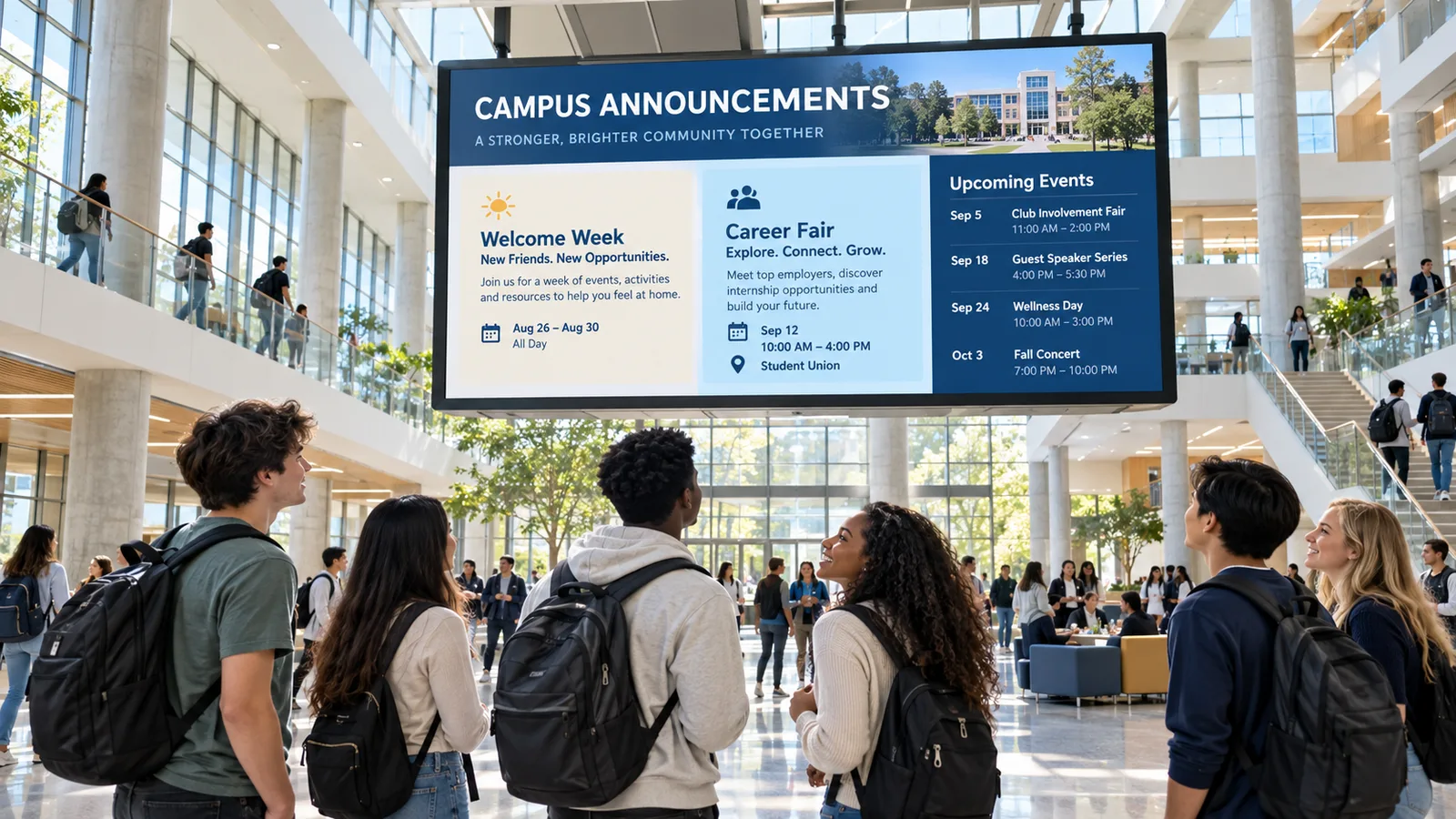
Promote games, concerts, open houses, registration deadlines, and fundraisers on the screens students pass every day. Build a rotation of upcoming events and schedule each one to start and stop on its own. Feature a big event on a video wall in the commons, then swap it out the moment it ends. You control the whole calendar from one dashboard, so promotion never falls behind.
Emergency Notifications
Push emergency alerts to every screen at once when seconds count. One action overrides normal content and shows the same message in every hallway, classroom, and common area. Use it for lockdowns, weather events, evacuations, and all-clear updates across the whole campus. Because it runs from the cloud, you can trigger it from wherever you are.
Who it's for
A good fit if:
- You run signage across multiple buildings or a spread-out campus
- You already have screens and want to manage them better
- You post announcements, schedules, and event news often
- You need directories that stay current as rooms and staff change
- You want emergency alerts to reach every screen instantly
- You would rather manage content from a browser than on-site
Everything runs from one dashboard on the screens you already own. The system is cloud-managed, so there is no server to babysit and updates take effect right away. When an emergency happens, you send one alert and it lands on every screen at the same time.
What you can expect
One dashboard. You manage every screen on campus from a single browser login. Update one building, one wing, or the entire district without touching a screen in person. Content changes go live in seconds.
Works with your screens. Adaptive Digital Signs runs on the displays you already have. You do not replace hardware to get started, and you keep your current screens in service. That keeps setup fast and cost down.
Scheduling that fits a school calendar. Schedule content by time, day, and location so bell schedules, event promos, and seasonal messages appear on their own. Set it once and let it run. You spend less time posting and more time on the work that matters.
Alerts to every screen. When there is an emergency, you push a message to all screens at once from wherever you are. Normal content steps aside and the alert takes over until you clear it. It is one of the most direct ways to reach everyone on campus fast.
Frequently asked questions
Can I send an emergency alert to every screen at once?
Yes. One action pushes an emergency message to every screen on campus at the same time. It overrides normal content in hallways, classrooms, and common areas until you clear it. Because the system is cloud-based, you can trigger the alert from wherever you are.
Does this work with the screens we already have?
Yes. Adaptive Digital Signs runs on your existing screens, so you do not have to replace hardware to start. We provide the content management software, media players, and cloud dashboard that drive them. That keeps setup fast and cost down.
Can I manage multiple buildings from one place?
Yes. You control every screen across every building from one cloud dashboard. Update a single wing, one building, or the whole campus in seconds. You can also schedule different content by location.
Can I schedule content ahead of time?
Yes. You schedule content by time, day, and location, so bell schedules, event promos, and seasonal messages appear on their own. Set it once and let it run. This saves staff from posting the same updates by hand every week.
How do we get started?
Call us at (888) 382-7685 or email info@adaptiveips.com and we will walk you through it. We serve schools and campuses across the US from our base in Frisco, TX. We will help you connect your existing screens and set up your dashboard.
Put your screens to work
Tell us about your locations and the screens you have. We will show you what modern digital signage can do for your business.