All free templates

Corporate lobby signage templates

Three free layouts for offices: a four-zone landscape lobby welcome screen, a three-zone portrait directory and a single-zone slide for company announcements.

Free downloads. No signup, no email needed.

The three templates

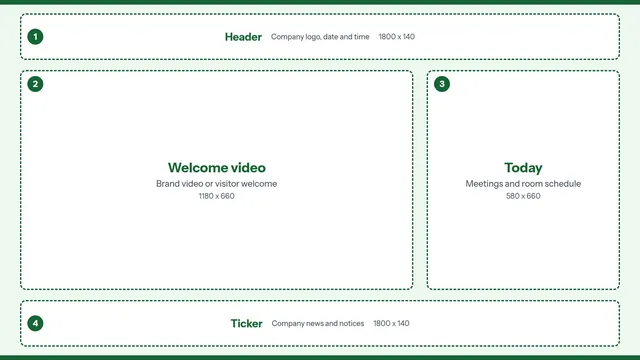
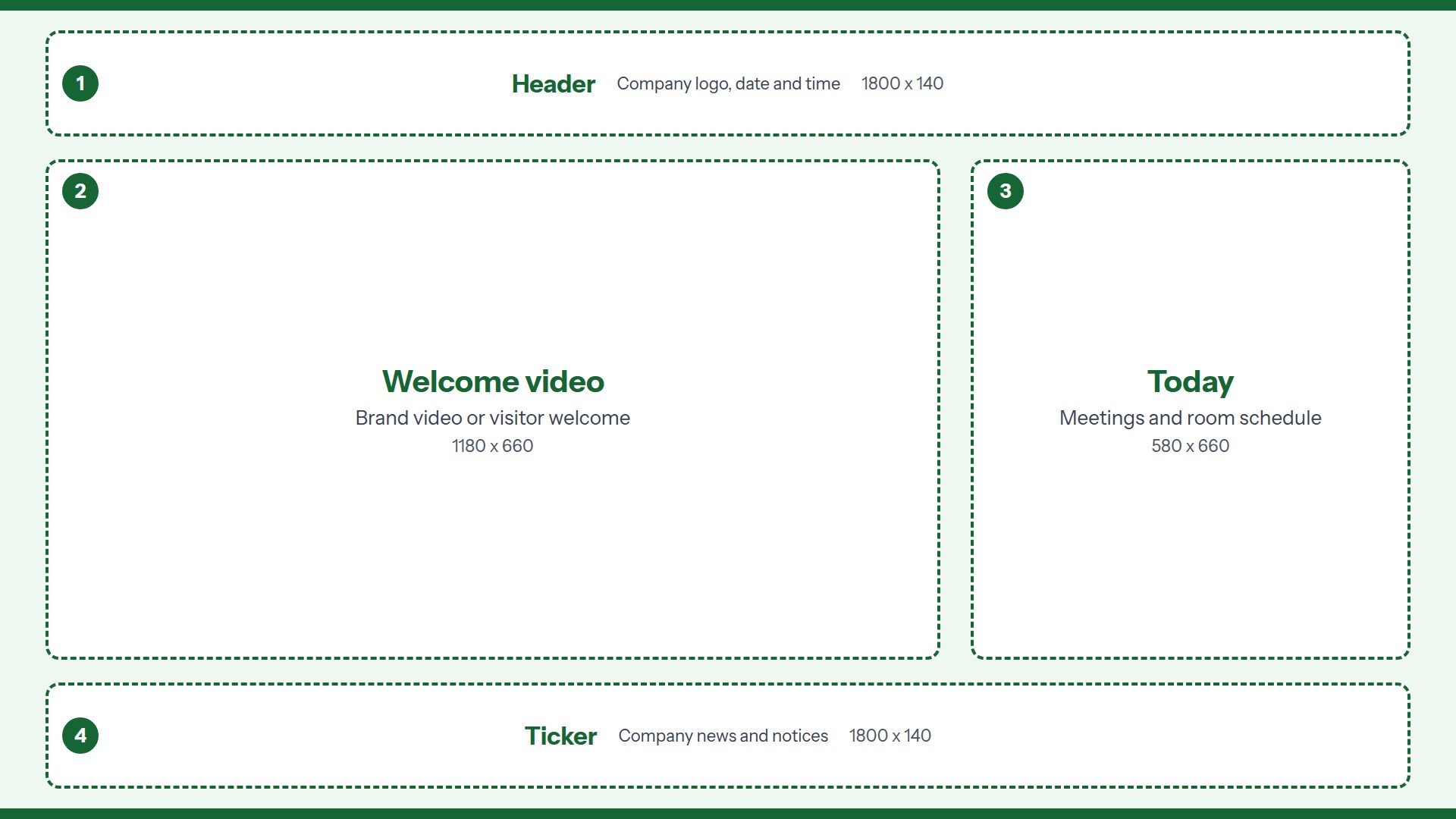
Lobby Welcome landscape signage template guide, 4 numbered zones

Lobby Welcome

Landscape / 1920 x 1080 / 4 zones

A reception screen that welcomes visitors and lists today's meetings.

  1. 1. Header. Company logo, date and time.
  2. 2. Welcome video. Brand video or visitor welcome.
  3. 3. Today. Meetings and room schedule.
  4. 4. Ticker. Company news and notices.
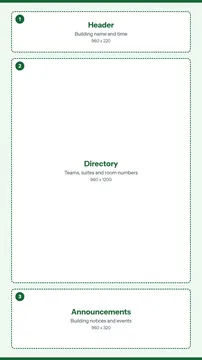
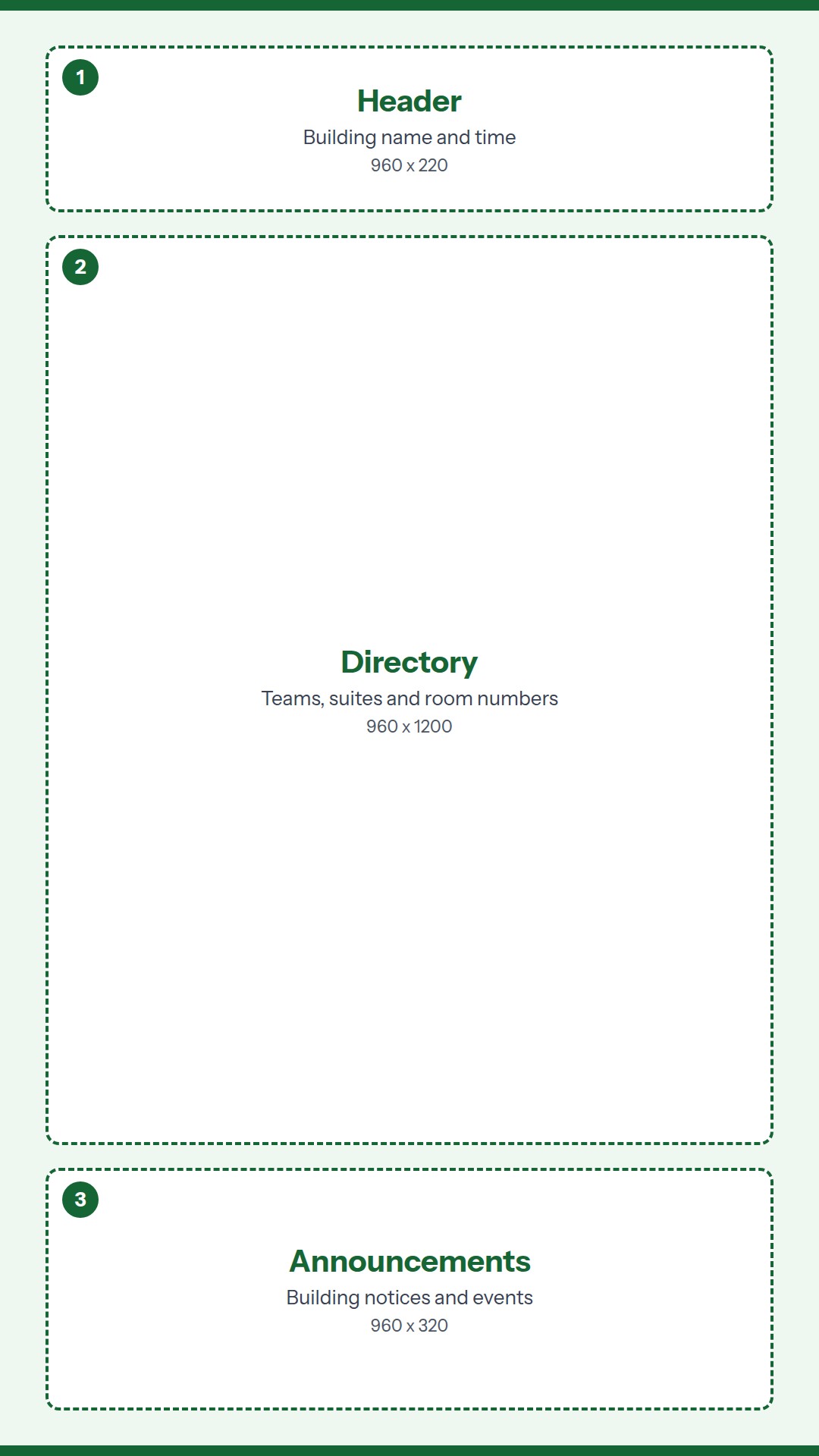
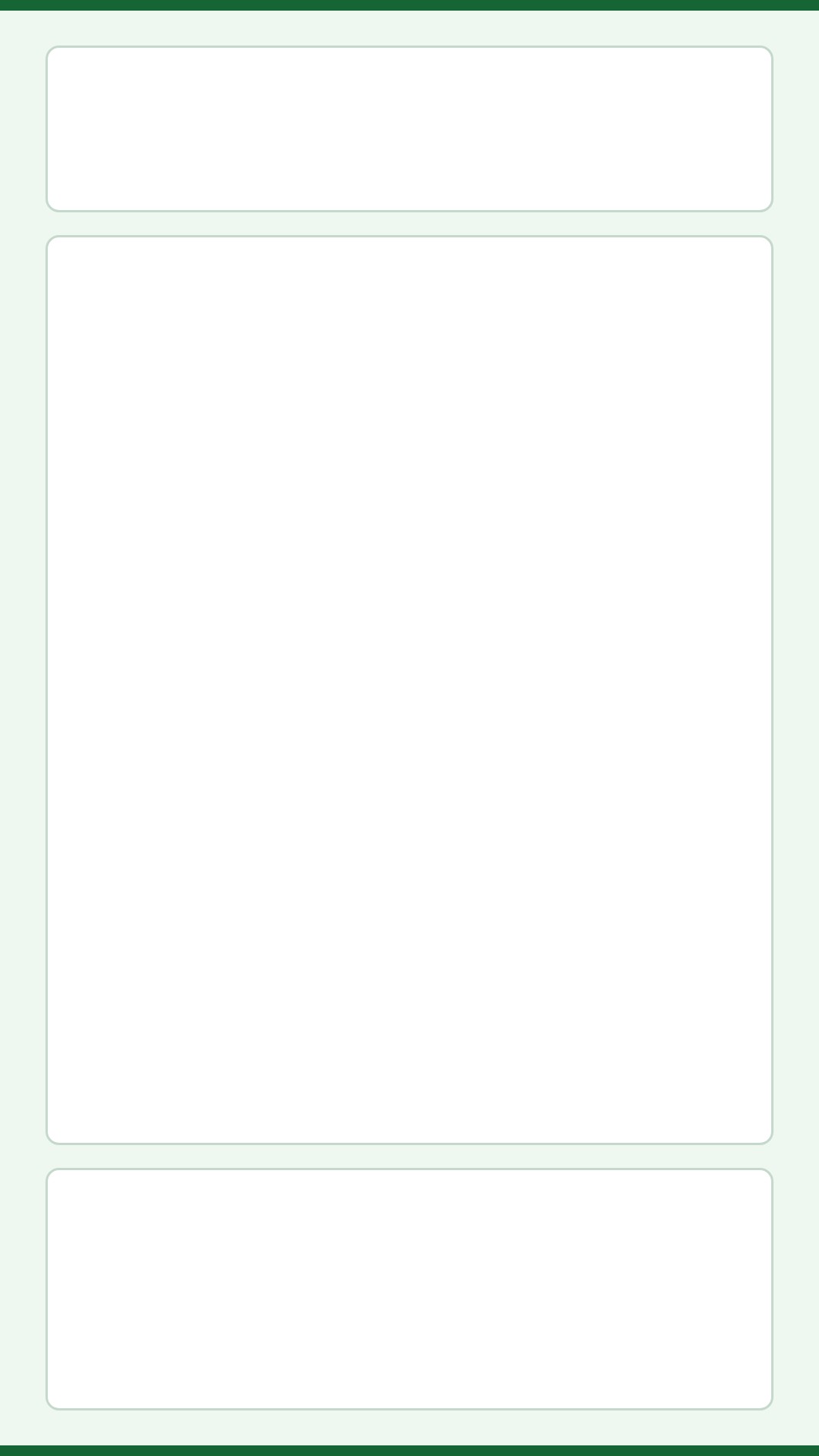
Floor Directory portrait signage template guide, 3 numbered zones

Floor Directory

Portrait / 1080 x 1920 / 3 zones

A tall screen beside the elevators or at a floor entrance.

  1. 1. Header. Building name and time.
  2. 2. Directory. Teams, suites and room numbers.
  3. 3. Announcements. Building notices and events.
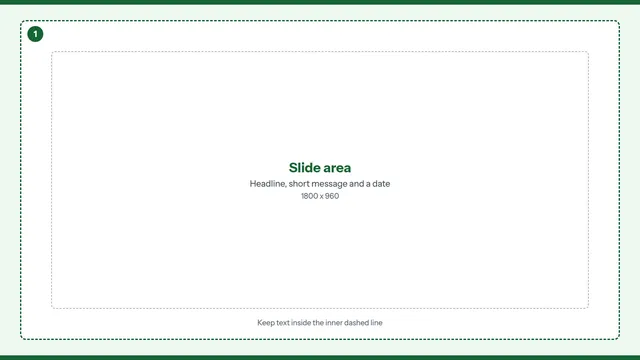
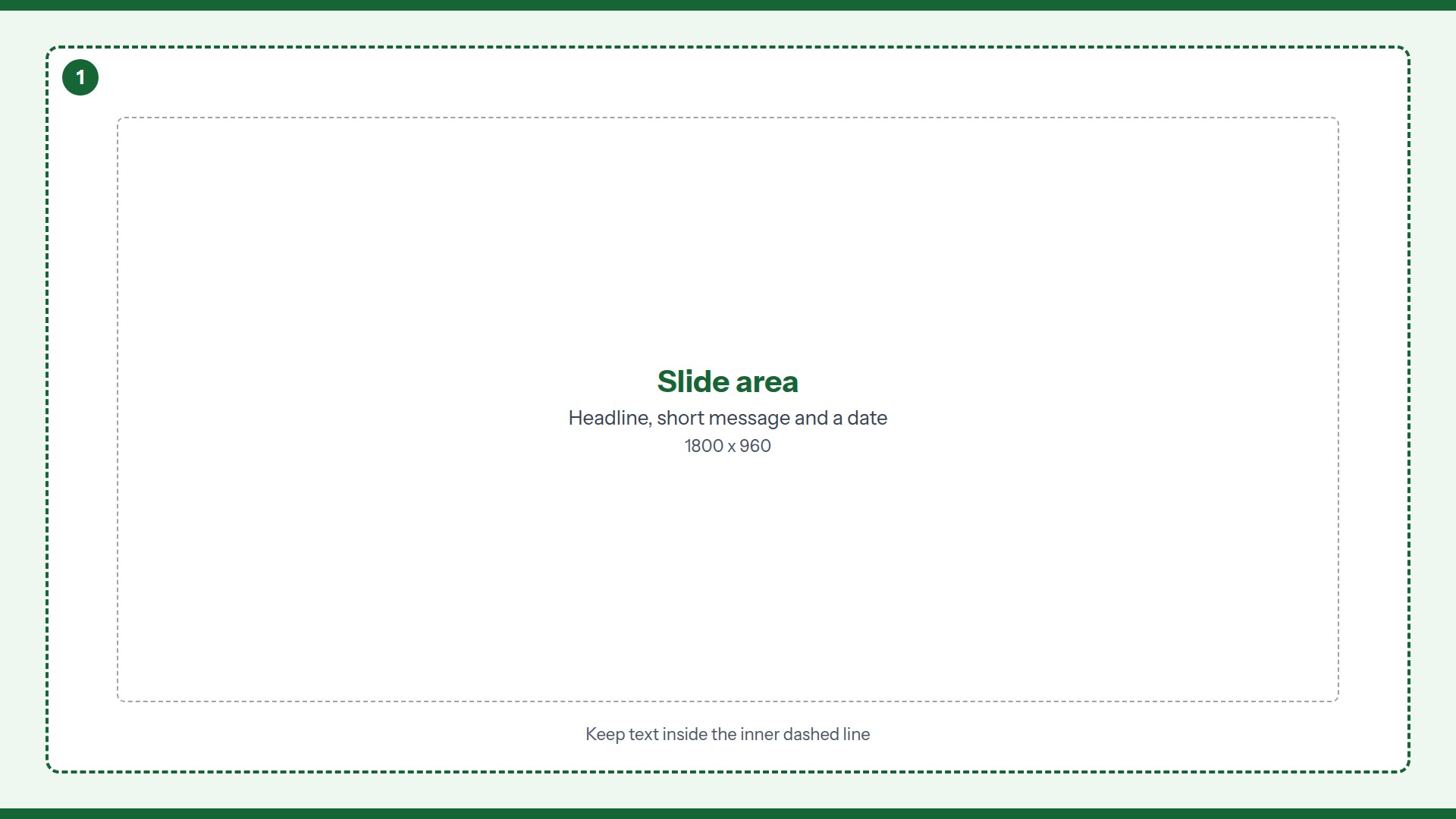
Announcement Slide landscape signage template guide, one full-screen zone

Announcement Slide

Landscape / 1920 x 1080 / Single zone

One finished slide for company news, a milestone or a holiday notice.

  1. 1. Slide area. Headline, short message and a date.

How to use the two files

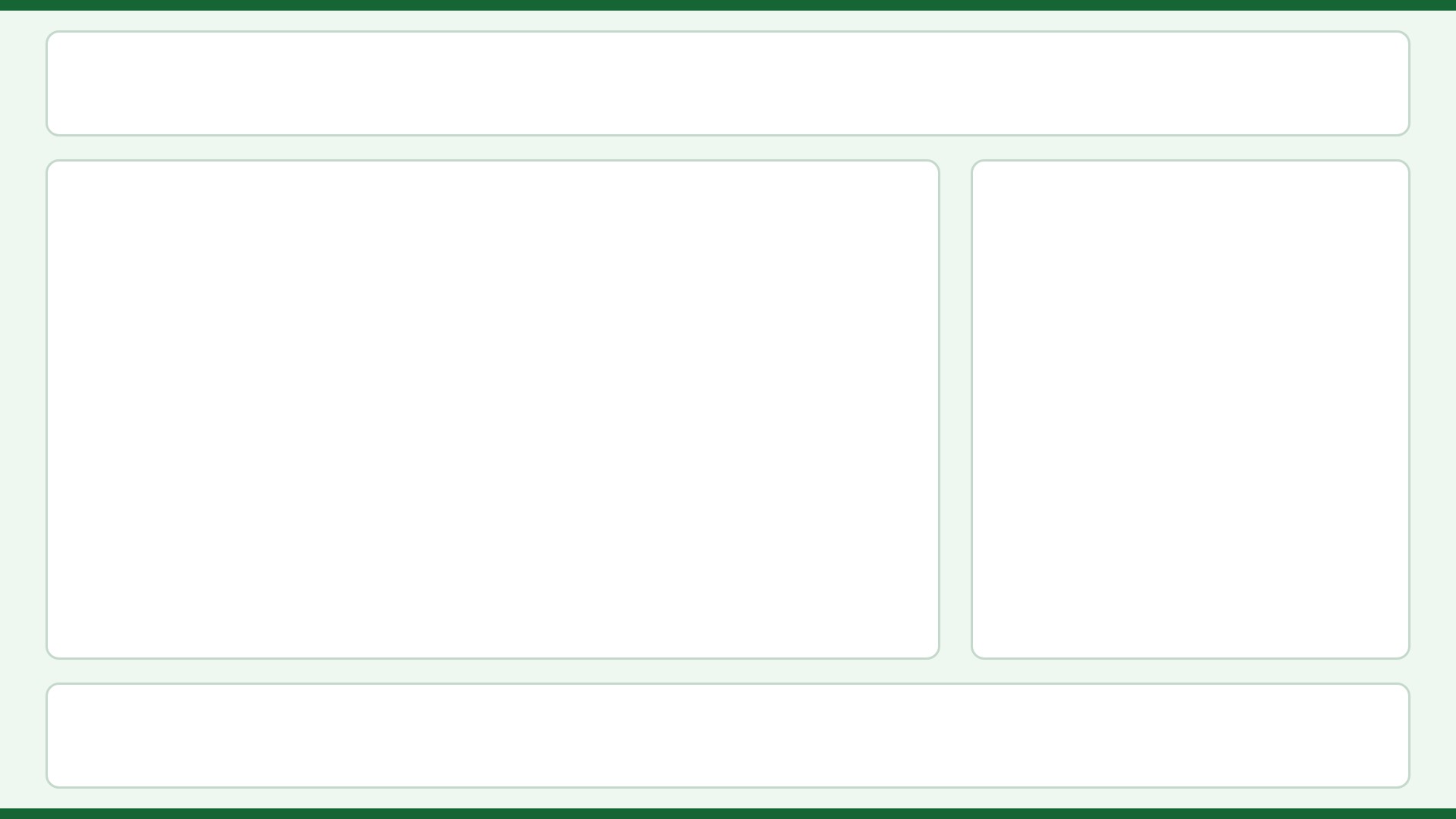
The layout guide shows the numbered zones and their pixel sizes, so you can match them in your own signage software. The clean background has the same panels with no text, so it is the one to use behind your content. For a single-zone slide, design on the clean background in any image editor and export a JPEG or PNG at the full screen size (1920 x 1080 or 1080 x 1920).

Tips for corporate lobby screens

Viewing distance.
Typically, visitors read lobby screens from 5 to 15 feet, usually while waiting. Employees pass by quickly, so keep each message to one idea.
What goes where.
Use the main zone for a brand video or a visitor welcome, the side zone for today's meetings and rooms, and the ticker for company news.
Visitor names.
If you list guests on a welcome screen, use first names or company names only, and check with your front desk about what is fine to show.
Brand fit.
Add your logo and brand color to the clean background so it matches the building. Keep one accent color and plain type.

Ready to put a template on a screen?

In Adaptive, multi-zone layouts are part of the Enterprise plan. The downloads themselves work in any signage software. Fill a layout in and save it as one image, and it plays full screen on Adaptive Solo or any cloud plan.

Adaptive Solo

$29.99 one time

Full-screen JPEG and PNG on one Windows or Ubuntu PC. Plays from your Google Drive or pCloud folder. No cloud account and no monthly fee. Free 7-day trial.

Try Adaptive Solo

Starter

$4.99 per player / month

Cloud signage that runs in a browser on a PC you already own. Scheduling and playlists included. 14-day free trial, no credit card.

Try or order Starter

Would you rather not run the players, the software and the content yourself? We also do all of it as one managed service. See how the managed service works. Need true multi-zone screens? Ask about Enterprise.